Tiny heartbeat · Lifetime memory
Hear your baby's heartbeat.
No device. Just your phone.
Snuggly reveals the real sound of your baby's heart in the womb — gently, at home, whenever you want to listen.
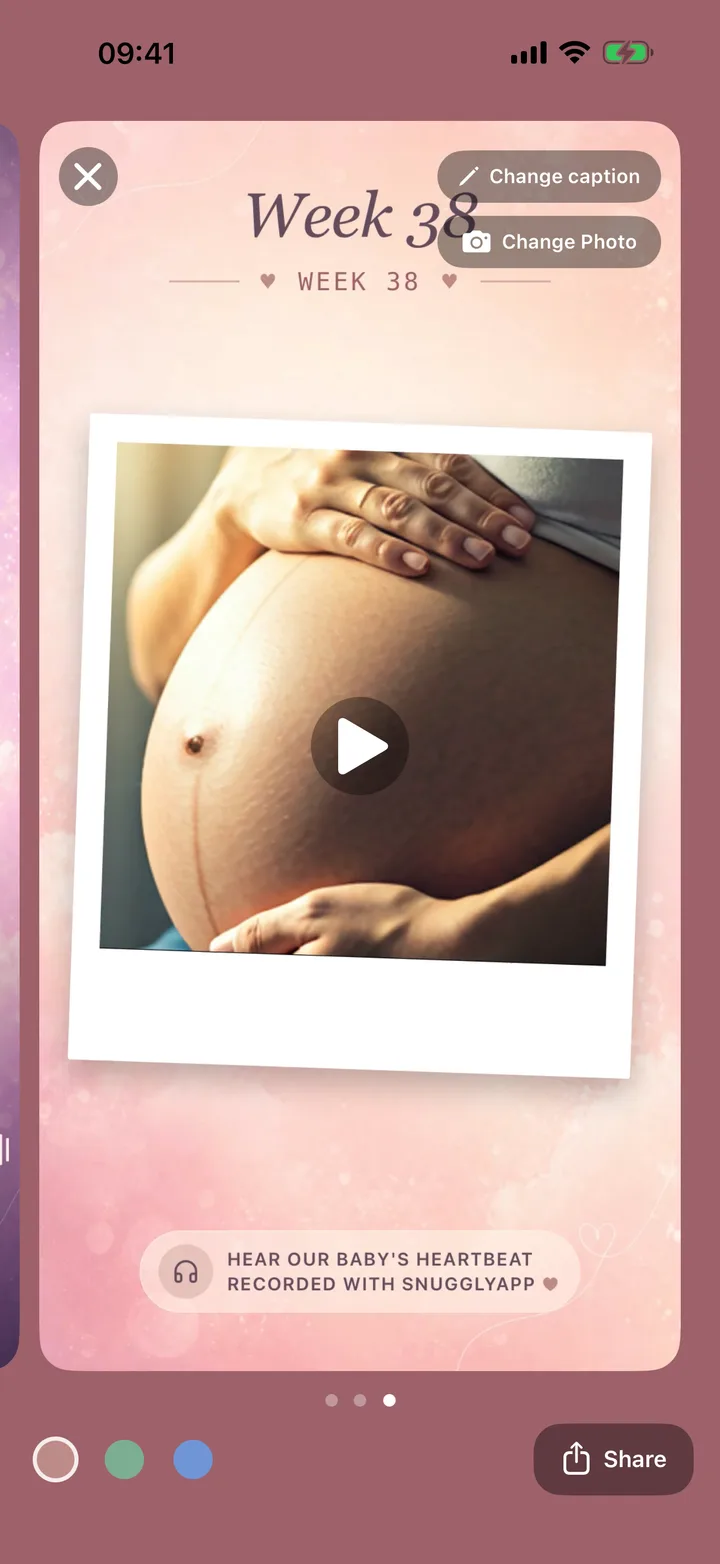
The first listen
The room goes quiet, you press play, and there it is — a fast little flutter that's been with you all along. Suddenly the bump is a someone.
A moment most parents never get to hear until the next ultrasound. Snuggly brings it home.
How it works
Three quiet steps to your first listen
No setup, no accessories. If you have your phone and a pair of headphones, you're ready.
Open the app
Pop your headphones in, turn the volume up, and find a calm, quiet spot to settle into.
Place it on your belly
Rest the phone flat against your bump, low and slightly to one side, and move slowly to find the spot.
Listen & record
When the heartbeat comes through, tap record to keep the moment as a keepsake forever.
The science
We don't fake the sound.
We reveal it.
Snuggly is built on psychoacoustics research. The algorithm amplifies the heartbeat's key frequencies and gently filters out background noise — so the sound that reaches you is the one that was already there.
Nothing is synthesized. No generated sounds, no stand-in heartbeats — only what your phone's microphone actually picks up.
Noise out, heartbeat in. Signal processing separates the rhythmic pulse from the rustle of everyday sound around it.
Tuned for tiny sounds. The key frequencies of a fetal heartbeat are lifted just enough to come through clearly in your headphones.
Background noise filtered out — the real pulse amplified.
Everything inside
Made for the moments you'll want to keep
From your very first listen to the keepsakes you'll share with family — gentle features for a tender time.
Listen live
Place your phone on your belly and hear the heartbeat in real time through your headphones.
Record keepsakes
Save the moments that catch you off guard and keep them in a library you can return to anytime.
Weekly reminders
A gentle nudge each week — “Time to make a memory” — so the bump-period moments don't slip by.
Share as beautiful videos
Turn a recording into something worth posting, with three built-in templates designed for family and socials.
Your baby is already saying hello.
Download Snuggly and listen for the first time tonight.
Download on theApp StoreTips for best results
A few small things make a big difference
Fetal heartbeats are quiet sounds. A calm room and these gentle adjustments help Snuggly find them.
Use headphones
AirPods or any Bluetooth headphones are strongly recommended — phone speakers won't do the sound justice.
Remove your phone case
A bare phone sits flush against your belly, so nothing muffles the microphone.
Turn the volume up
Set your volume near the max before you start, then settle into a quiet room.
Tilt slightly
A small tilt of the phone often brings the heartbeat into focus — experiment gently.
Move slowly
Glide the phone across your bump a little at a time, pausing to listen as you go.
Good to know
Questions, gently answered
Is Snuggly a medical device?
From which week does it work?
Does it work on Android?
Which iPhones are supported?
Does it use the internet or store recordings in the cloud?
Snuggly is a keepsake app for hearing and recording your baby's heartbeat. It is not a medical device and is not intended for diagnostic or monitoring use.
Snuggly should never replace prenatal care or professional medical advice. If you have any concerns about your pregnancy or your baby's wellbeing, please contact your doctor, midwife, or healthcare provider.